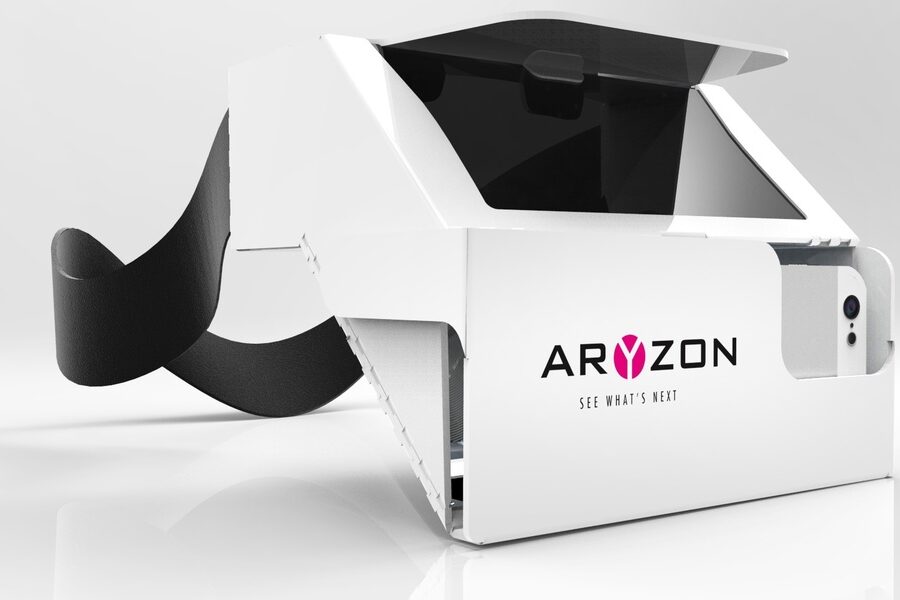

In 1990, Boeing researcher Tom Caudell coined the term “augmented reality” to describe a head-up display that helped technicians wire airplane cabins—an early glimpse of two very different ways computers change perception. The idea of replacing or enhancing perception goes back even further: Morton Heilig’s Sensorama (1962) and the head-mounted experiments of the 1980s (VPL Research) pointed toward fully immersive systems long before consumer headsets arrived.
Distinguishing virtual and augmented systems matters if you buy devices, design experiences, or evaluate technology for work. The two approaches both place digital content into human perception, but they differ sharply in immersion, hardware, interaction models, content creation, latency and tracking, cost and deployment, safety and ergonomics, and typical uses.
Below are eight concrete differences organized into three groups—technical, user/interaction, and applications/business/ethical—to help you choose the right approach for a specific project or pilot.
Core technical differences
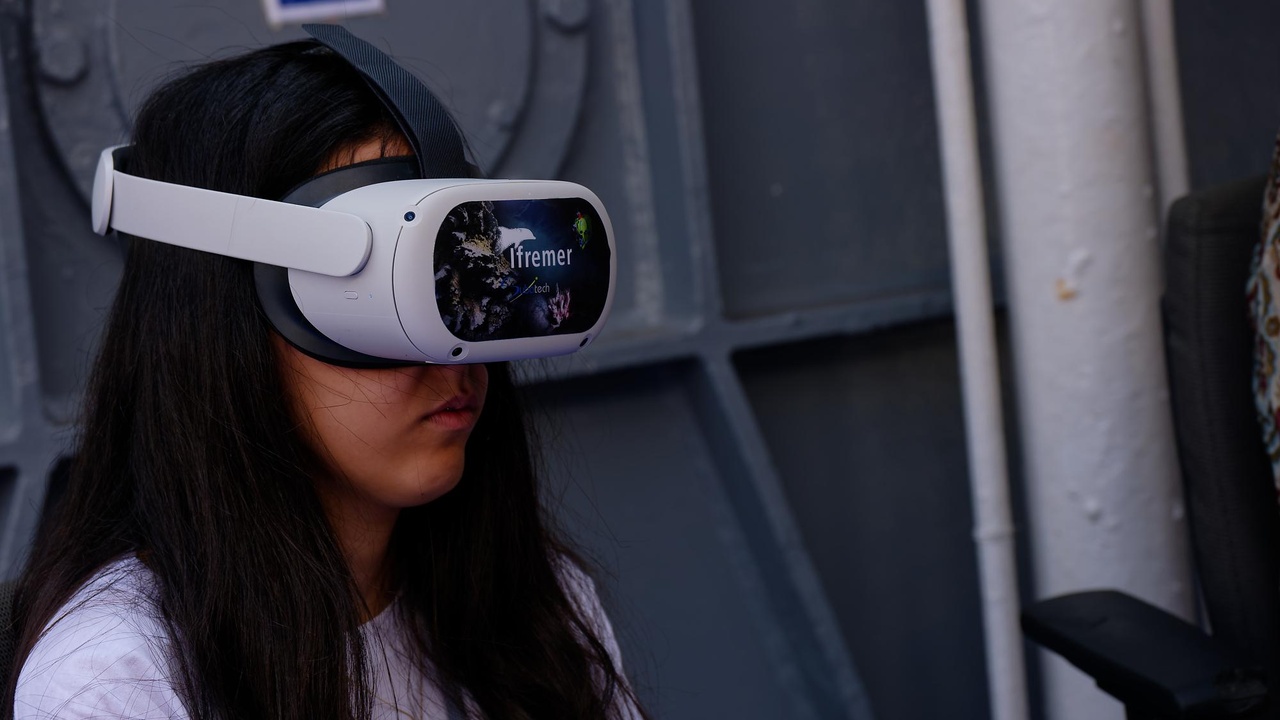
Hardware and system architecture set the limits on what an experience can do. The underlying sensors, compute, and rendering pipelines create distinct constraints that shape interaction, safety, and deployment. The three differences below explain the technical foundation behind those trade-offs.
1. Level of immersion: fully virtual vs. blended reality
Virtual reality replaces the user’s view with a fully synthetic scene; augmented reality layers digital content on top of the real world. Consumer VR headsets like the Oculus Rift CV1 (2016) and HTC Vive physically occlude the real world to maximize presence.
By contrast, AR devices such as Microsoft HoloLens (first commercial developer kit around 2016) and mobile AR apps keep the real environment visible and add context-aware overlays. Pokémon Go (2016) showed how lightweight overlays can create mass-market engagement on phones.
Practical implication: choose VR for full-environment simulations—flight or surgical simulators and high-fidelity architectural walkthroughs benefit from complete control of the scene. Choose AR for heads-up assistance—navigation HUDs, maintenance overlays, or retail previews where real-world context matters (IKEA Place).
2. Tracking and sensing requirements
AR requires persistent, metric-level mapping of the environment; VR often needs only rotation and positional tracking inside a bounded play area. AR commonly uses SLAM (simultaneous localization and mapping) to register objects to the world.
That means AR devices include depth cameras, RGB cameras, and sometimes LiDAR (Microsoft HoloLens uses depth sensors and forward-facing cameras). Mobile AR leverages ARKit and ARCore on smartphones. VR tracking may use outside-in base stations (HTC Vive) or inside-out tracking with onboard cameras (Oculus Quest).
The upshot: AR’s sensor load raises computational cost, power draw, heat, and device price, and it complicates deployment in cluttered or variable environments. VR’s tracking requirements are often lighter and easier to control for stable room-scale experiences.
3. Rendering and occlusion: full scene vs. composited overlays
VR renders an entire synthetic scene with full control over lighting and materials. AR must composite digital objects into a live camera or optical view and correctly handle occlusion, depth, and consistent lighting so virtual objects sit believably in the real world.
Correct occlusion and lighting in AR require scene depth knowledge and sometimes real-time relighting. That precision matters in high-stakes uses—surgical overlays and industrial repair need millimeter-level registration. For retail, IKEA Place focused on scale-accurate placement so furniture previews match room dimensions.
Rendering trade-offs affect GPU choices: VR can prioritize graphical fidelity across a closed scene, while AR must blend rendered content with sensor-derived depth maps and camera feeds.
User experience and interaction differences
Immersion, input methods, and ergonomics shape how people use and tolerate these devices. The interaction model—handheld controllers, gestures, voice—affects accessibility, learning curve, and the kinds of tasks that feel natural.
4. Input and interaction: controllers, gestures, and voice
VR commonly relies on handheld, precisely tracked controllers for manipulation and locomotion. Oculus Touch controllers, for example, give precise pose and button input that suits editing tools, games, and simulation controls.
AR emphasizes low-friction, context-aware inputs: hand gestures, eye gaze, voice, or simple touch on mobile screens. HoloLens uses gaze plus an “airtap” gesture and voice commands to keep hands relatively free for tasks like repairs.
Which to pick? Use controllers when you need fine manipulation or complex input. Use gesture and voice when the user’s hands are busy or when a low-friction, quick-access interface is the priority.
5. Comfort, ergonomics, and safety
VR can produce disorientation and motion sickness when visual motion disagrees with vestibular cues. Designers mitigate this with short sessions, stable reference frames, and comfort modes. Room-scale VR also requires a safe, cleared play area.
AR keeps users anchored in the real world, reducing cybersickness risk but introducing distraction and situational awareness concerns. Enterprise AR headsets like HoloLens weigh around 579g, so ergonomics determine how long workers can comfortably wear them on a shift.
Real-world consequence: VR training often uses short, supervised sessions. AR deployments must address line-of-sight hazards, distraction protocols, and equipment comfort for longer on-the-job use.
6. Social and collaborative differences
VR typically creates private shared virtual spaces—avatars and meeting rooms where participants appear together despite physical distance. Platforms like VRChat and Meta’s Horizon emphasize presence in wholly virtual scenes.
AR overlays shared physical space, allowing co-located collaboration where multiple people can see and interact with the same real objects augmented by digital annotations. Remote-assist tools (Microsoft Dynamics 365 Remote Assist with HoloLens) let an expert guide a worker using the worker’s real camera view.
Privacy and logistics differ: AR may capture real environments and bystanders, creating data governance concerns. VR limits real-world capture but raises questions about avatar behavior, moderation, and social norms in virtual spaces.
Applications, business and ethical differences
Choice of platform affects vendor selection, cost models, and regulatory or ethical responsibilities. The final two differences focus on which industries adopt each technology and the trade-offs around cost, deployment complexity, and privacy.
7. Typical use cases and industry fit
Industries that need full-scope immersion tend to adopt VR: pilot and flight simulators, surgical training platforms, and entertainment. Flight simulators predate modern VR, and refined consumer headsets like the Oculus Rift CV1 (2016) brought higher-fidelity experiences to a wider audience.
AR finds traction in field service, maintenance, retail, and navigation. Companies such as Siemens and GE have trialed AR for remote expert assistance, and IKEA’s 2017 Place app let shoppers preview furniture at scale on mobile devices.
When evaluating the differences between virtual reality and augmented reality for a project, use this checklist: do you need complete environmental control (pick VR), or do you need context-aware overlays tied to real objects (pick AR)? Consider safety, session length, and whether your users will be co-located or remote.
8. Cost, deployment complexity, and ethical/privacy concerns
AR often scales via existing smartphones and tablets, lowering per-user hardware costs, but it increases data and privacy complexity because deployments capture people and environments. VR demands upfront investment in headsets, space, and sometimes powerful PCs or consoles.
To put numbers on it: consumer VR headsets have historically sat in roughly the $399–$599 range at launch, while enterprise AR headsets frequently cost several thousand dollars per unit. Deployment costs include training, environmental setup, and ongoing maintenance.
Ethical risks differ. AR raises workplace surveillance and bystander privacy issues due to environmental capture and persistent overlays. VR raises concerns about psychological effects from prolonged immersion. Mitigations include data minimization, explicit consent, retention limits, and session-duration policies.
Summary
- Immersion: VR fully replaces reality; AR blends digital content with the real world.
- Technical constraint: AR requires environmental mapping and richer sensors; VR needs controlled tracking and more GPU for full-scene rendering.
- Interaction and safety: VR favors controllers and short sessions; AR favors gestures/voice and raises distraction and privacy concerns.
- Business trade-offs: consumer VR has lower per-unit hardware but space/content costs; AR can scale on phones but increases data-management burden.
- Decide by goal: choose virtual when you need total immersion, augmented when you need context-aware, on-the-job support.