
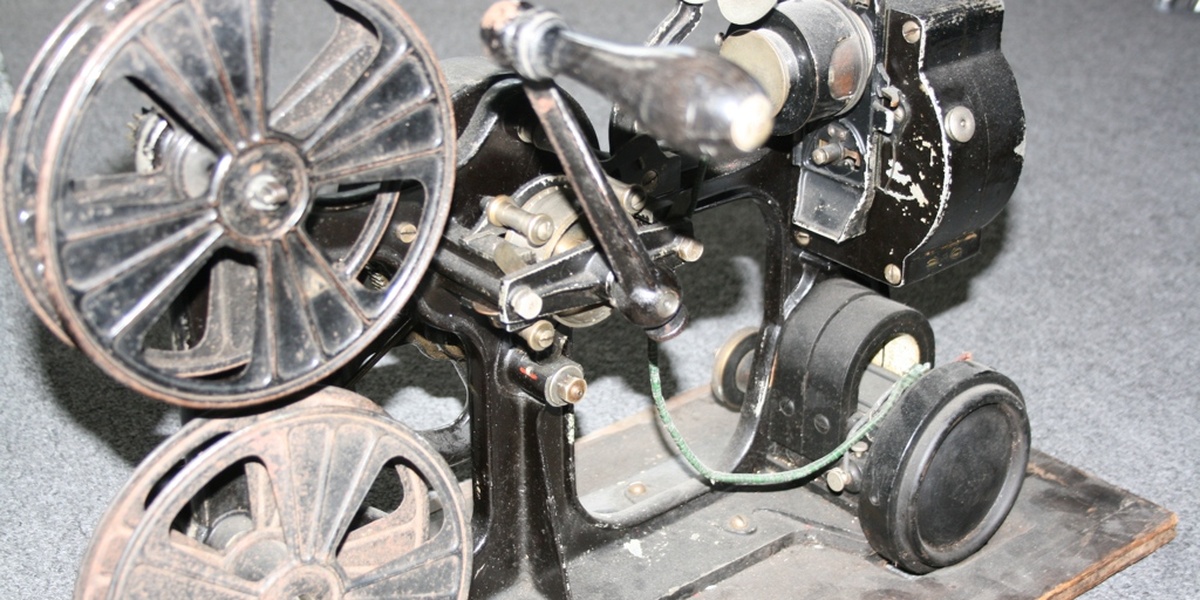
More than 50% of people who research home theaters start by asking whether a projector is worth the trouble—yet many base those decisions on outdated or incorrect ideas.
Projectors began as film- and cinema-only equipment but over the past two decades they’ve become affordable, compact, and capable enough for living rooms, dedicated home theaters, classrooms, and portable use.
This article debunks seven common myths about projectors and explains the real technical, cost, and usability facts so you can decide whether a projector fits your needs.
I’ll cover seven specific misconceptions across technical specs, cost and maintenance, and performance/setup, with concrete numbers, brand examples, and quick takeaways. Let’s start with technical myths.
Technical Myths
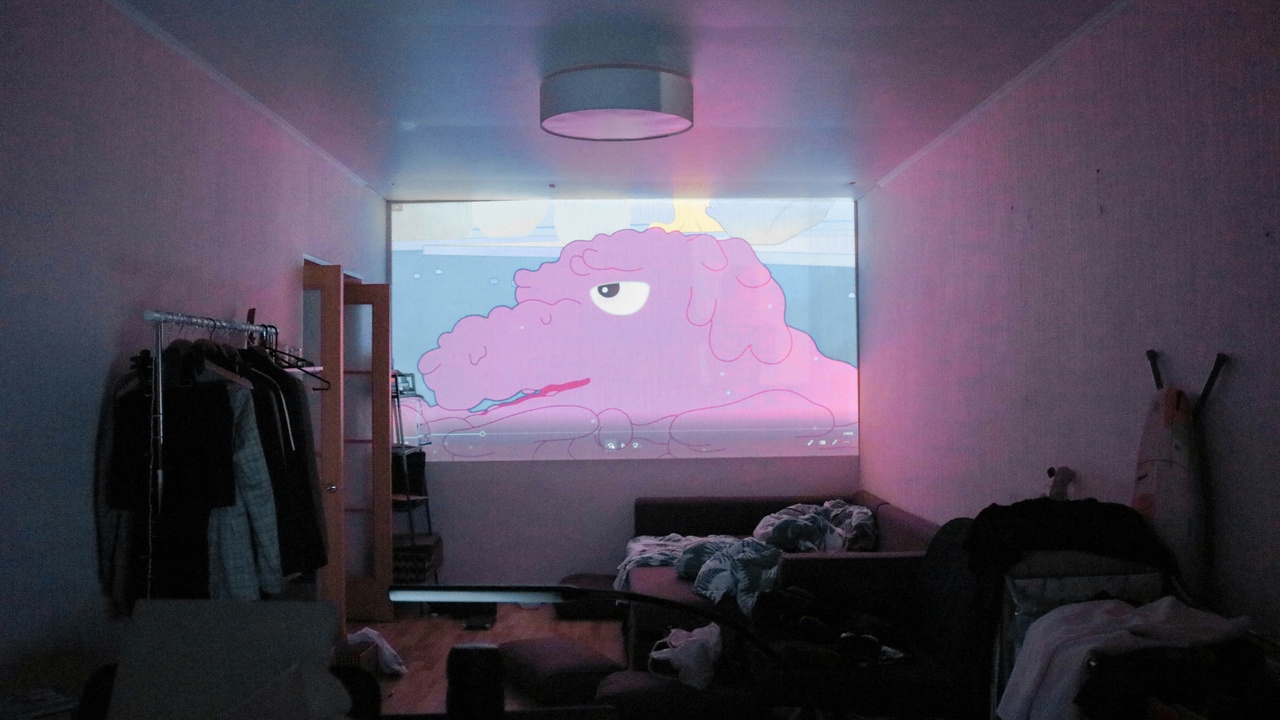
Technical spec sheets are useful but easy to misread. Brightness, resolution, and contrast mean different things depending on room size, ambient light, and whether a projector uses lamp, LED, or laser illumination.
Focus on your use-case—daytime living-room viewing, a dark home theater, or portable presentations—then compare lumen ratings, native resolution, and the screen you’ll use rather than trusting a single headline number.
1. Myth: Projectors need total darkness to look good
Many people assume you must black out a room to use a projector well. That’s not true for most modern setups.
Lumen guidance helps: 1,500–3,000 ANSI lumens is suitable for many home-theater rooms with controlled lighting, while 3,000+ lumens is practical for brighter living rooms or daytime use.
Screen choice matters. An ALR (ambient‑light‑rejecting) screen or a high‑gain white screen can dramatically improve perceived contrast and reduce the need for total darkness.
For example, a BenQ HT2050A is a good option for dim home theaters, but if you want daytime viewing in a sunlit family room, consider laser options from Optoma or ViewSonic rated around 3,500 lumens paired with an ALR screen.
Practical tip: use curtains, reposition lamps, or pick an ALR screen before deciding the room is unsuitable.
2. Myth: Projectors are always low-resolution or blurry
Labeling projectors as “blurry” ignores the range of native resolutions and imaging technologies available today.
Native 1080p is 1920×1080 pixels; 4K is 3840×2160. Some projectors use true 4K chips (Sony’s 4K SXRD, for example), while others use pixel‑shifting to create an effective 4K image at a lower hardware cost (common with some BenQ and Optoma models).
Sharpness also depends on lens quality, focus uniformity, screen texture, and source material. Streaming a 4K Blu‑ray or a 4K stream will look much sharper than low‑bitrate content regardless of the projector’s marketing claims.
If gaming is important, look for models with low input lag and high refresh support. Epson’s 4K enhancement models and Sony’s true 4K projectors are good references for high‑detail home cinema use.
Checklist: verify native resolution, ask about pixel‑shifting versus native 4K, and test with real 4K content before buying.
3. Myth: Brightness specs tell the whole story
A high lumen number alone doesn’t guarantee a pleasing image.
ANSI lumens measures brightness, but contrast ratio, black level performance, color accuracy, and the screen size you choose shape perceived picture quality.
Contrast claims on spec sheets can be misleading—marketing ratios like 100,000:1 often come from dynamic modes. Measured native contrast (for example, 10,000:1 versus lower values) is a better indicator of shadow detail and black levels.
Manufacturers such as Epson are often praised for color accuracy, while JVC and some Sony models are noted for strong native contrast. For measured, independent data consult reviewers at ProjectorCentral and Rtings.
Short rule: pair a midsize lumen rating with good contrast and color processing for the best real-world picture.
Cost and Maintenance Myths
Cost is where assumptions create buyer regret. Total cost of ownership includes the unit, lamps or light‑engine lifespan, screens, mounts, and electricity—not just the sticker price.
Newer LED and laser light engines push costs front-loaded: you pay more up front but avoid frequent lamp replacements and can get 20,000–30,000 hours or more of useful life.
4. Myth: Projectors are more expensive than TVs in the long run
That depends on screen size and light source. Budget projectors can cost under $500, solid home projectors sit in the $700–$2,000 range, and premium 4K laser units often start around $2,000 and can go to $7,000 or higher.
Compare that to a 65″ 4K TV, which commonly ranges $700–$1,500. For very large images—100″ and up—a projector is often cheaper on a price‑per‑diagonal‑inch basis.
Maintenance matters in totals. Older lamp‑based projectors often require replacement bulbs costing $150–$400 and lamps generally last 2,000–5,000 hours. By contrast, many laser and LED units advertise 20,000+ hours.
Example: a $1,200 mid‑range projector with a $200 lamp replacement at 3,000 hours and average use of 3 hours/day (≈1,095 hours/year) may need a lamp in about 2.7 years; a laser model with 20,000 hours could last roughly 18 years at the same daily use.
Bottom line: if you want a very large image or expect heavy multi‑year use, projectors can be more cost‑effective than TVs once you factor screen size and light‑engine life.
5. Myth: Projectors require constant, expensive maintenance
Projector maintenance tends to be modest for home use.
Typical tasks are cleaning filters or vents every 6–12 months in dustier environments, occasional lens cleaning, firmware updates, and lamp changes for older lamp models every 2–5 years at average use.
Sealed optical engines and laser/LED models reduce or eliminate lamp replacement. Many consumer models come with 2–3 year warranties, while installation/business models often offer longer service options.
Real users usually find maintenance simple—clean a filter, keep the unit ventilated, and follow the manufacturer’s schedule. For heavy commercial use, budget for professional servicing or extended warranties.
Performance and Usage Myths
Concerns about reliability, lifespan, and setup difficulty keep people leaning toward TVs, but modern projectors have improved on all three fronts.
Connectivity, smart platforms, and gaming features are now common, and portable options make on‑the‑go projection trivial.
6. Myth: Projectors are unreliable and have short lifespans
Projector lifespan depends largely on the light source. Lamp‑based units typically have lamp lives of 2,000–5,000 hours; LED and laser engines are rated 20,000–30,000 hours or more.
Translate hours into years: 3 hours/day × 365 = 1,095 hours/year, so a 20,000‑hour laser projector equates to roughly 18 years of typical home use, while a 3,000‑hour lamp would last about 2.7 years.
Electronics can fail, but quality brands and proper ventilation reduce that risk. Follow basic care—keep vents clear, avoid smoking environments, and update firmware when available.
Manufacturers list hour ratings and warranty terms; check those specs and consider extended plans for heavy commercial deployment.
7. Myth: Setup is too complex for average users
Setup has become a lot easier. Many consumer projectors are plug‑and‑play with HDMI, and include on‑screen wizards, autofocus, auto‑keystone, and wireless casting.
Typical setup steps are straightforward: choose wall or ceiling placement, mount or place the unit, select the input (HDMI/streamer), and run the auto‑align or basic picture calibration.
For flexible placement, look for lens‑shift and short‑throw options. Anker Nebula portables are good examples of devices with automatic keystone and easy streaming, while many Epson models provide lens‑shift for precise alignment.
If your room needs a custom throw distance or a special lens, that’s when pro installers help. For most living rooms and bedrooms you can achieve a great image with a weekend of setup and a few online how‑to videos.
Summary
- Match lumen ratings to your room: roughly 1,500–3,000 lumens for dim home theaters, 3,000+ for brighter living rooms.
- Check native resolution and whether a projector uses true 4K or pixel‑shifting; lens quality and source material greatly affect perceived sharpness.
- Factor total cost of ownership: lamp replacements (often $150–$400) and lamp lives of 2,000–5,000 hours versus laser/LED 20,000+ hours.
- Setup is generally user‑friendly now—autofocus, auto‑keystone, and smart/portable models cut installation time—and a 20,000‑hour laser unit can last well over a decade at typical home use (3 hours/day ≈ 1,095 hours/year).
- Don’t let myths about projectors drive your decision: measure your room, decide how and when you’ll watch, compare specs against real numbers, and demo units in similar ambient light before buying.